Technology help for seniors is often the difference between feeling left behind and staying confidently connected to family, healthcare, and daily services.
A widely cited Pew Research Center finding shows that roughly a third of adults age 65 and older report feeling only a little or not at all confident using electronic devices — a gap that closes quickly with the right support. The real problem is not ability; it is that most guides assume knowledge seniors were never taught.
This article breaks down where to find trustworthy help, what to learn first, how to stay safe from scams, and which tools genuinely make life easier.
Why Technology Help for Seniors Matters More Than Ever
Technology help for seniors matters because essential services — banking, medical portals, and government benefits — increasingly assume digital access. According to Pew Research Center's internet and broadband tracking, smartphone and home broadband ownership among older adults has climbed sharply over the past decade, yet comfort levels lag behind ownership.
That mismatch creates real risk: people own the device but avoid using it for anything important.
The stakes go beyond convenience. Telehealth appointments, prescription refills, and utility accounts now default to online systems. A senior who cannot navigate these loses time, money, and independence.
- Start with one task, not the whole device — for instance, only video calling
- Practice in short sessions of 15–20 minutes to avoid frustration
- Write down each step in a notebook so the learning sticks
Age UK notes that digital exclusion among older people is linked to higher rates of loneliness, which makes patient, task-based technology help for seniors a genuine wellbeing issue rather than a luxury.
How to apply this: Pick the single most useful task in your life this week — a video call or a pharmacy portal — and practice only that until it feels automatic.

Where to Find Free and Reliable Technology Help for Seniors
Free, trustworthy technology help for seniors is closer than most people expect. Public libraries, senior centers, and nonprofit organizations routinely run one-on-one coaching sessions at no cost, and staff are trained to move at the learner's pace rather than rush through features.
Local and Community Options
- Public libraries often host weekly "tech help" drop-in hours with volunteers
- Area Agencies on Aging (in the US) connect callers to local digital literacy programs
- Senior centers run group classes on smartphones, email, and video calling
Online Learning Resources
Several organizations publish beginner-friendly guides written specifically for older learners. AARP maintains a dedicated technology section with plain-language tutorials and scam alerts. GCFGlobal offers free, self-paced courses on computer basics, internet safety, and email that work well for independent learners.
| Resource | Best for | Action to take |
|---|---|---|
| Public library classes | Hands-on, in-person learners | Call your branch and ask about tech help hours |
| AARP tutorials | Reading-based self-study | Bookmark the technology section |
| GCFGlobal courses | Structured beginners | Start with the "Computer Basics" course |
| Family "tech buddy" | Personalized, repeated practice | Schedule a weekly 30-minute session |
| Senior center groups | Social, low-pressure learning | Ask for the current class schedule |
A common scenario: a 72-year-old who tried three apps alone and gave up, then learned video calling in two library sessions because someone sat beside her and repeated the steps without impatience.
How to apply this: Call your local library today and ask two questions — do you offer tech help, and what should I bring?
The 5 Core Skills That Unlock Everything Else
Most technology help for seniors should focus on five skills, because they cover the vast majority of daily digital tasks. Mastering these first prevents the overwhelm that comes from trying to learn everything at once.
- Connecting to Wi-Fi — the foundation for every online activity
- Video calling — FaceTime, WhatsApp, or Zoom to stay in touch with family
- Sending and reading email — still the backbone of account recovery and appointments
- Taking and sharing photos — one of the most rewarding early wins
- Recognizing scams — covered in detail in the next section
Organizations that run digital literacy programs consistently report that confidence, not capability, is the main barrier — once a person completes one task independently, willingness to try the next rises noticeably.
Consider a retired teacher who mastered video calling first, then added email within a month because the confidence carried over. The order matters more than the speed.
- Practice on a tablet or phone rather than a desktop when possible — touchscreens are more intuitive
- Increase text size in settings before starting; readability removes a hidden frustration
- Use the same device consistently so muscle memory builds
How to apply this: Write the five skills on a card and cross off each one as you gain independence with it.
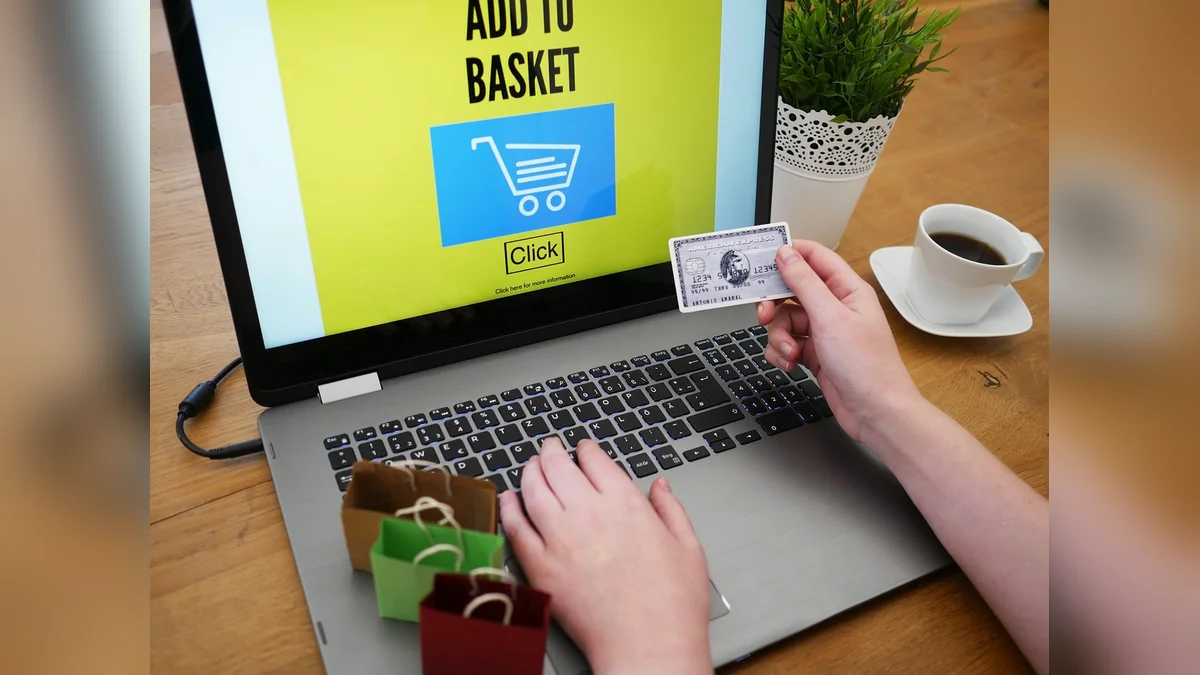
How to Protect Yourself From Scams and Stay Safe Online
Scam awareness is the most important part of technology help for seniors, because fraud losses among older adults are rising and often severe. The FBI's Internet Crime Complaint Center has repeatedly reported that people over 60 submit the highest number of complaints and lose more money per incident than any other age group.
The Most Common Tactics
- Urgency pressure — "act now or your account will be closed"
- Impersonation — fake calls from banks, Medicare, or the IRS
- Gift card and wire transfer demands — legitimate agencies never request these
- Romance and lottery schemes that build trust over weeks
Practical Safety Rules
- Never give codes or passwords to anyone who calls you, even if they claim to be your bank
- Hang up and call back on the official number you look up yourself
- Slow down — legitimate organizations never demand instant payment
The Federal Trade Commission's consumer advice site explains that scammers rely on panic to bypass careful thinking, and recommends verifying any unexpected contact independently before acting. Microsoft's account security guidance makes the same point about unsolicited tech support calls: real companies do not cold-call about viruses.
Accessible technology help for seniors must include scam training alongside device skills, because a confident user who has never been warned is still exposed.
How to apply this: Agree on a household rule today — no payments or password sharing without a second opinion from a trusted person.
Choosing Devices and Support Services That Actually Fit
The best device is the one that gets used, so choosing technology help for seniors should start with habits, not specifications. A large-screen tablet with cellular data often suits video calling better than a laptop, while a simple smartphone with accessibility settings works well for people who want portability.
What to Look For
- Large, adjustable text and icons built into the operating system
- Long battery life so charging is not a daily chore
- Clear support options — phone help lines with patient staff
Real Support Options
Apple Support offers phone and in-store assistance, including accessibility setup help. Microsoft's accessibility support covers screen magnification and narrator features for Windows users. Both are legitimate, free channels for direct questions.
| Priority | What it tells you | Action to take |
|---|---|---|
| Ease of use | Will it be opened daily? | Try before buying, in-store |
| Accessibility settings | Can text get large enough? | Enable before first use |
| Support availability | Who answers when stuck? | Save the support number |
| Family proximity | Is in-person help nearby? | Set up remote screen sharing |
| Cost of data plan | Is cellular included? | Compare monthly totals |
A practical rule: buy the device with the strongest local support, not the newest model.
How to apply this: Before purchasing, ask the store to show you the large-text setting and write down the support phone number.

Frequently Asked Questions About technology help for seniors
Can technology help for seniors work if the person has memory loss?
Yes, with adjustments. Focus on one repeated task, use written step-by-step cards, and keep the home screen uncluttered. Organizations like the Alzheimer's Association recommend routine and repetition over new learning. A dedicated technology help for seniors session that repeats the same video-call steps weekly often works better than broad lessons, because familiar sequences are easier to retain.
Is it safe to let a family member set up remote access to help?
Generally yes, if it is a trusted relative and the access is disclosed and reversible. Use official tools like FaceTime screen sharing or Windows Quick Assist rather than unknown remote apps. Scammers exploit remote access, so agree in advance who is allowed. A good technology help for seniors plan names one trusted helper and documents exactly what access they hold.
How much should in-home technology help for seniors cost?
Costs vary widely. Library and senior-center sessions are typically free, nonprofit programs are often low-cost, and private in-home tutors charge hourly rates that vary by region. Before hiring, ask whether the provider is vetted and whether sessions include follow-up notes. Budget-conscious families often combine free group classes with occasional paid one-on-one technology help for seniors for complex setups.
What should you do if an older adult refuses to use technology at all?
Do not push. Connect the device to something they already value — photos of grandchildren, a favorite radio station, or a recipe site. Resistance usually reflects fear of breaking something or being embarrassed, not disinterest. One successful, low-stakes experience often shifts attitude. Gentle, optional technology help for seniors works better than pressure, and patience is the deciding factor.
Do government programs help pay for technology support?
Some do. In the US, certain Medicare Advantage plans include digital literacy or telehealth support, and Area Agencies on Aging can point to subsidized programs. Eligibility rules vary by state and plan. Call your local agency and ask specifically about digital literacy funding.
Reliable technology help for seniors is sometimes free through these channels, but you usually have to request it.
Conclusion
Technology help for seniors works best when it is patient, task-based, and focused on safety from day one.
- Start with one task and master it before adding another
- Use free local resources like libraries and senior centers first
- Learn the five core skills — Wi-Fi, video calls, email, photos, and scam awareness
- Choose devices for support and accessibility, not specifications
The next step is simple: make one phone call to your local library or senior center this week and ask what tech help they offer. That single conversation is often where real technology help for seniors begins, and it costs nothing to try.





