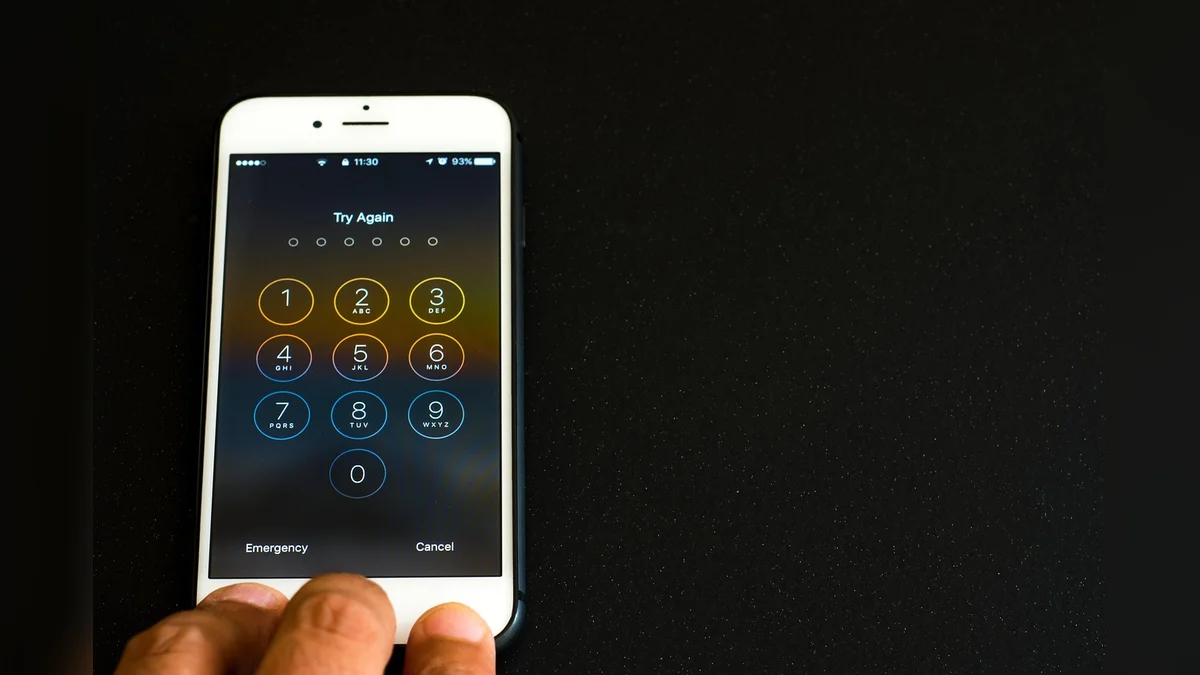
Finding reliable technical assistance can transform daily digital tasks from frustrating chores into smooth and rewarding habits. Local guidance helps individuals learn core computer skills at a comfortable pace. Community spaces and specialized instructional programs offer patient support designed around everyday goals like video calling, managing personal correspondence, and exploring online services safely.
Core Technology Support Pathways
Local Library and Public Guidance Services
Community libraries provide scheduled one-on-one technology guidance to address specific questions about devices and software programs. Staff members walk visitors through fundamental operations such as setting up email accounts, browsing safely, or organizing digital documents. These sessions focus on building practical confidence rather than rushing through complex technical troubleshooting. Users can learn more about booking guidance through the Aurora Public Library assistance program to get personalized support on core digital topics.
In-Home Lessons and Virtual Mentorship
Private instructional services deliver tailored instruction directly inside a home setting or through remote video connections. Instructors help users customize keyboards, adjust screen displays for better visibility, and connect peripheral printers or home audio tools. This customized structure allows learners to practice on their own personal equipment without feeling overwhelmed by crowded classrooms or fast-paced corporate tech demonstrations.

Community Center Workshops and Classes
Neighborhood centers often host group classes that cover essential computer literacy topics in a social and welcoming environment. Participants study together while learning how to spot online scams, navigate web browsers, and store family photographs securely in the cloud. Sharing questions with peers reduces anxiety and builds a mutual support network that extends well beyond the classroom walls.
Online Safety and Fraud Protection
Developing strong defensive habits is a vital component of any modern computer learning curriculum. Guidance programs teach individuals how to create strong passwords, recognize suspicious email links, and protect personal financial data. Understanding these core safeguards empowers users to browse the internet, pay utility bills online, and communicate with family members with complete peace of mind.

Choosing the Right Learning Format
Selecting an appropriate type of computer assistance depends on individual comfort levels and specific daily goals. Hands-on personal instruction works best for deep device setup, while group classes foster steady skill development through shared practice and community discussion.
| Support Option | Primary Benefit | Best Suited For |
|---|---|---|
| Library Sessions | Free targeted advice | Specific single questions |
| In-Home Visits | Personalized home setup | Learning own equipment |
| Virtual Coaching | Remote screen sharing | Quick digital guidance |
| Community Classes | Social group learning | Building foundational skills |
Essential Preparation Steps Before Seeking Help
- List your top three specific computer questions or goals.
- Write down all active user account passwords safely.
- Charge your device battery to full capacity beforehand.
- Gather power cords and any connected accessories together.
Frequently Asked Questions
What should I bring to a local technology session?
You should bring your fully charged laptop or tablet along with any power cords. Writing down your specific questions on a paper notepad ensures you cover every important topic during your time.
Can technical helpers fix broken computer hardware?
Most community learning programs and public library staff do not perform physical hardware repairs. They focus primarily on software navigation, settings adjustments, and teaching you how to use your applications.

How long do most computer guidance appointments last?
Individual appointments at public locations typically span twenty to thirty minutes. Private in-home sessions or virtual lessons usually run between forty-five minutes and a full hour depending on the provider.
Conclusion
Embracing digital tools opens up new ways to stay connected with loved ones and manage everyday responsibilities smoothly. Review local library schedules today to book your first supportive technology session.