Enrolling in an iPhone class tailored for seniors provides the foundational skills needed to confidently navigate modern smartphones. These educational programs demystify essential features, enabling participants to stay connected with family, manage daily schedules, and securely access digital services. By focusing on practical application, these sessions transform technology from a source of frustration into a valuable tool for independence.
Essential Concepts Taught in Smartphone Training
Understanding the Core Interface and Settings
Modern smartphones rely on intuitive touch gestures, but mastering the core interface requires systematic guidance. Introductory sessions focus heavily on teaching participants how to navigate the home screen, organize applications, and use the control center efficiently. Instructors guide attendees through adjusting system preferences, such as increasing text size, modifying screen brightness, and managing volume levels for better accessibility. Learning how to connect safely to home wireless networks and toggle cellular data ensures that the device remains functional across different environments without incurring unexpected data charges from service providers. These foundational steps build the necessary confidence for exploring more complex features independently.
Mastering Communication and Messaging Apps
Staying in touch with loved ones is often the primary reason individuals seek out structured technology training. Class modules cover the built-in communication tools thoroughly, demonstrating how to save contacts, compose text messages, and initiate high-quality video calls. Participants learn the structural differences between traditional cellular text messaging and internet-based messaging services, ensuring they understand how data is consumed. Instructors also emphasize group messaging etiquette and the process for sharing photos or voice memos safely. By practicing these skills in a supportive classroom environment, attendees overcome the hesitation often associated with digital communication, making daily interactions seamless and enjoyable.

Navigating Built-In Safety and Security Features
Digital security remains a top priority for older adults learning to navigate sophisticated mobile operating systems. Training programs dedicate significant time to establishing secure device locks using biometric authentication, such as fingerprint or facial recognition, alongside traditional personal identification numbers. Participants learn how to identify potential security threats, recognize phishing attempts in email or text messages, and manage app permissions to protect personal privacy. Understanding when and how to update the operating system is also emphasized, as these updates patch critical security vulnerabilities. This knowledge empowers users to utilize their devices safely, minimizing risks associated with online fraud.
Exploring Everyday Utility and Wellness Tools
Beyond communication, smartphones serve as powerful personal assistants that can significantly enhance daily routines and overall well-being. Dedicated course sections introduce participants to useful utility applications, including digital calendars for tracking appointments, reminders for medication schedules, and map applications for reliable navigation. Instructors demonstrate how to download reputable applications from official digital storefronts, checking reviews and developer credentials beforehand. Attendees also explore health tracking capabilities, which can monitor daily steps or store emergency medical information accessible from the lock screen. Mastering these practical tools allows individuals to organize their lives efficiently and maintain their personal autonomy.

Finding the Right Class for Your Needs
Selecting an appropriate learning environment ensures a productive educational experience that aligns with your personal goals. Many local organizations host community technology workshops specifically designed to accommodate structured, patient learning paces. It is beneficial to assess course formats and instructor availability before registering to maximize the return on your educational investment.
| Class Type | Typical Setting | Primary Benefit |
|---|---|---|
| Community Workshop | Public Libraries | Pace accommodates beginners |
| Senior Center Class | Local Center | Social peer environment |
| Retail Tech Clinic | Electronics Store | Direct hardware expertise |
| Online Tutorial | Home Computer | Flexible learning schedule |
Preparatory Steps Before Your First Session
- Locate your official Apple identification credentials and account passwords securely.
- Charge your device completely to ensure it lasts through the entire presentation.
- Write down a concise list of specific questions regarding difficult smartphone features.
- Bring a physical notebook to record multi-step technical instructions during class.
Frequently Asked Questions
Are these smartphone classes suitable for complete beginners?
Yes, most introductory programs assume no prior technical knowledge. Instructors start with basic operations, such as turning the device on, adjusting physical buttons, and understanding basic touchscreen gestures before moving on to advanced applications.
Do I need to pay for registration or materials?
Many community-sponsored programs hosted by public libraries and senior centers are offered entirely free of charge. Some specialized courses or retail-hosted clinics may require a nominal registration fee or textbook purchase.
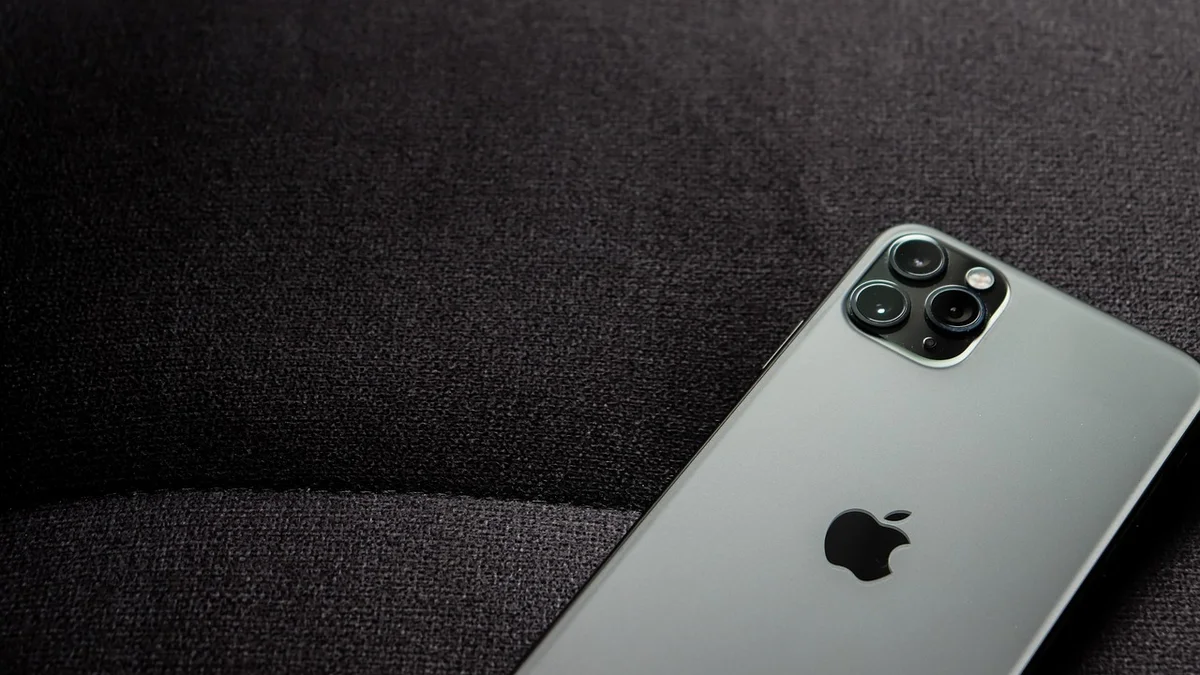
Can I bring an older model smartphone to class?
Most classes accommodate a variety of device generations, focusing on core software features common across models. Instructors will highlight specific differences if an older operating system lacks certain modern updates or navigation shortcuts.
Conclusion
Enrolling in a structured technology course is an excellent way to unlock the full potential of your smartphone. Gaining these digital skills fosters deeper connections with community resources and family members alike. Contact your local public library today to inquire about upcoming technology workshops in your neighborhood.