A gps tracker watch for elderly users has become a practical safety tool, not a gadget for the tech-obsessed. In the United States alone, the CDC reports that millions of adults aged 65 and older fall each year, and roughly one in five falls causes a serious injury like a broken bone or head trauma.
That reality is why families now look for a wearable that can call for help and share a location when something goes wrong.
The problem is choice overload. Listings promise "military-grade GPS" and "lifetime battery," yet many devices fail at the basics: weak indoor positioning, confusing menus, or a subscription fee you only discover at checkout.
This guide breaks down what actually matters in a tracker watch for seniors — accuracy, battery life, fall detection, cellular requirements, and privacy. You will also get a comparison table, setup steps, and answers to the questions buyers ask most.
Start With Real Location Accuracy, Not Marketing Claims
Location accuracy is the single most important spec, and it is the one most often exaggerated. A GPS chip needs a clear view of satellites, so it struggles indoors — which is exactly where seniors spend most of their time.
That is why the best devices combine GPS with Wi-Fi positioning and cell-tower triangulation. A gps tracker watch for elderly that relies on GPS alone may show a location hundreds of feet off inside a shopping mall or apartment building.
Outdoor accuracy on modern consumer GPS is typically within a few meters under open sky, according to the U.S. government's GPS.gov program, which manages the system's public information. Indoor performance varies widely by device and depends heavily on how many Wi-Fi networks the watch can reference.
What to check before buying
- Look for a watch that lists multi-source positioning (GPS + Wi-Fi + cellular), not GPS only.
- Ask whether the watch reports an accuracy radius alongside each location ping.
- Test the device in the actual places your family member spends time — home, church, the grocery store.
A quick real-world test
A common scenario: you buy a watch, take it home, and the map pin lands two blocks away. That usually means the device is falling back to cell-tower data because satellite signal is blocked. Walk outside and check again before assuming the unit is defective.
How to apply this: Before you buy, read the product's positioning spec sheet and confirm it names at least two location technologies.
Battery Life and Charging Are the Real Dealbreakers
Battery life decides whether a senior actually wears the device. A watch that needs charging every night will end up in a drawer within a month.

Real-world battery performance depends on how often the watch pings its location. Devices set to update every few minutes drain far faster than those using geofence-triggered updates. Many manufacturers quote "up to" figures measured with minimal tracking enabled, so treat those numbers as best-case.
The practical fix is a watch that supports configurable update intervals. A longer interval during the day and a shorter one when a fall alert fires gives you both battery life and responsiveness.
Charging habits that stick
- Choose a magnetic charging dock over a fiddly micro-USB port — arthritic hands struggle with tiny connectors.
- Set a fixed charging routine, such as every morning during breakfast.
- Pick a model with a low-battery alert sent to the caregiver's phone.
How to apply this: Ask the seller what the battery life is with location updates set to every five minutes — that is closer to real use than the headline number.
Battery life decides whether a senior actually wears the device, so check the gps tracker watch for elderly carefully. A watch that needs charging every night will end up in a drawer within a month.
Setup takes about an hour if you prepare the account and contacts first, and a gps tracker watch for elderly is no exception. Doing it in one sitting avoids the half-configured watch that fails when it matters.
Fall Detection and SOS Buttons Save Lives — If Configured Right
Fall detection and a one-touch SOS button are the features families care about most, and they only work when set up correctly. A gps tracker watch for elderly users should let you define who gets called, in what order, and what happens if nobody answers.
Fall detection uses accelerometers to spot the sudden motion and impact pattern of a fall. It is helpful but imperfect — it can miss a slow slide from a chair and can false-alarm when someone drops the watch. The [U.S.
National Institute on Aging](https://www.nia.nih.gov/) notes that most falls happen at home, which is why indoor coverage matters as much as the sensor itself.
Configure the emergency chain
- Add at least three emergency contacts so a missed call does not end the alert.
- Test the SOS button monthly with a real call.
- Confirm the watch sends an automatic location link with the alert, not just a voice call.
How to apply this: Run a full SOS drill with your family member this week and time how long it takes from button press to a caregiver answering.
Cellular Plans, Subscriptions, and Total Cost of Ownership
Most senior tracker watches need a SIM card and a data plan, and that recurring cost surprises buyers. The watch price is often the smallest part of the total.
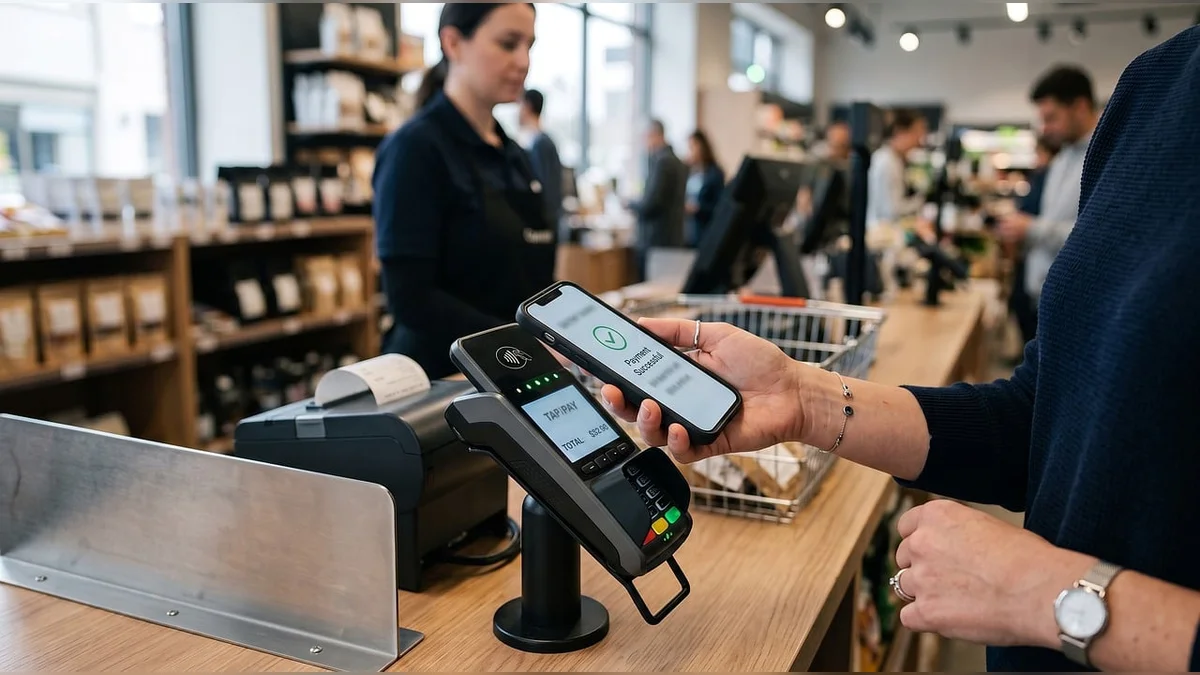
A gps tracker watch for elderly buyers should be evaluated on a three-year cost, not a one-time sticker price. Data plans for these devices are typically modest because they send small location packets, but the plan is mandatory for remote tracking and calling.
Where the money goes
| Cost item | What it covers | Action to take |
|---|---|---|
| Device price | Hardware and charger | Compare 2-3 models side by side |
| SIM/data plan | Location pings and calls | Confirm carrier coverage at home |
| App subscription | Maps, alerts, history | Check if basic alerts are free |
| Replacement band | Wear and tear | Buy a spare at purchase |
How to apply this: Add up device, plan, and subscription for 36 months before you commit — that is your true price.
Privacy, Data Security, and Who Can See the Location
Location data is sensitive, and a watch that streams a senior's position to a poorly secured app is a genuine risk. Ask where the data is stored and who can access it.
Look for encrypted transmission, account two-factor authentication, and a clear data-retention policy. Reputable vendors publish a privacy policy that explains how long location history is kept and whether it is shared with third parties. The Federal Trade Commission advises consumers to review how connected devices collect and share personal data before purchase.
A gps tracker watch for elderly families should also support multiple caregiver accounts so siblings can share monitoring without sharing passwords.
Questions to ask the vendor
- Is location data encrypted in transit and at rest?
- Can I delete location history, and how long is it retained?
- Does the app support two-factor login?
How to apply this: Open the vendor's privacy policy and search for the words "retention" and "third party" before you buy.
How to Set Up and Test the Watch in One Afternoon
Setup takes about an hour if you prepare the account and contacts first. Doing it in one sitting avoids the half-configured watch that fails when it matters.
Start by charging fully, then pair the watch with the caregiver app. Add emergency contacts, set geofences around home and a daily route, and adjust the location update interval. Finally, run a live test: walk the watch outside, confirm the map pin, then press SOS.
A setup checklist
- Charge to 100% and install the SIM.
- Create the caregiver account and enable two-factor login.
- Add three emergency contacts and a geofence for home.
- Test location accuracy outdoors and indoors.
- Run one SOS drill and confirm the alert arrives.
How to apply this: Block one hour this weekend, follow the checklist in order, and log the results so you can compare after a month.
Yes, many models operate independently with a built-in SIM, so a gps tracker watch for elderly can call preset contacts directly. The caveat is that the caregiver still needs a smartphone or web portal to view the map and adjust settings.

Setup takes about an hour if you prepare the account and contacts before configuring your gps tracker watch for elderly.
Frequently Asked Questions About gps tracker watch for elderly
Can a gps tracker watch for elderly work without a smartphone?
Yes, many models operate independently with a built-in SIM and call the preset contacts directly. The caveat is that the caregiver still needs a smartphone or web portal to view the map and adjust settings. If your family member has no phone at all, confirm the watch supports standalone calling before purchase.
Yes, many gps tracker watch for elderly models operate independently with a built-in SIM and call preset contacts directly.
The caveat is that caregivers still need a smartphone or web portal to view maps and adjust settings for the gps tracker watch for elderly.
How accurate is indoor tracking in a nursing home or apartment?
Indoor accuracy is usually weaker than outdoor and depends on Wi-Fi positioning support. In a large facility with many networks, a gps tracker watch for elderly users may be accurate to a room or a floor rather than a precise spot. Ask the facility whether it allows personal Wi-Fi-connected devices, since some restrict them.
What happens if the watch loses signal in a basement or elevator?
Most devices buffer the last known location and send it once signal returns, so you may see a delayed pin. A gps tracker watch for elderly buyers should be tested in the building's known dead zones. If coverage is consistently poor, a model with a stronger cellular band set may help.
Are these watches covered by Medicare or insurance?
Generally no — standard Medicare does not cover personal tracking devices, though some Medicare Advantage plans offer wellness allowances. Check with your plan directly. A gps tracker watch for elderly families is usually an out-of-pocket purchase, so budget the subscription cost alongside the device.
Can I use a gps tracker watch for elderly relatives with dementia who wander?
Yes, and geofencing is the key feature for this scenario. Set a safe zone around home and enable alerts when the wearer leaves it. A gps tracker watch for elderly users with cognitive decline should also have a comfortable, non-removable band, since some wearers try to take devices off.
Conclusion
Choosing well comes down to a few decisions you can make today.
- Prioritize multi-source positioning over headline GPS claims.
- Budget the SIM plan and subscription for three years, not just the device.
- Test fall detection and SOS with a real drill, not a glance at the manual.
- Review the privacy policy before you hand over location data.
The next step is simple: pick two models, run the setup checklist on one, and test it in the places your family member actually goes. A well-configured gps tracker watch for elderly relatives turns worry into a clear map pin and a phone that gets answered.





